The prompt-writing cheat sheet: get better answers from any AI
There is no magic prompt. There is a good brief. Here is the five-part structure the official guides agree on, with before-and-after examples and templates you can copy.
By Shashi Kumar ·

Search "best ChatGPT prompts" and you will find thousands of "magic" prompts promising to unlock secret genius mode. Most of them are just long instructions with dramatic adjectives.
Here is the less exciting truth. OpenAI, Google and Anthropic all publish official prompting guides, and they agree on almost everything. None of them mention secret words. They describe how to write a good brief, the same way you would brief a smart new colleague who knows nothing about your situation.
Anthropic's guide puts it neatly: think of the model as "a brilliant but new employee who lacks context on your norms and workflows" (Anthropic). Everything below follows from that idea, and it works the same in ChatGPT, Gemini, Claude or any other assistant.
The five-part brief
Most weak prompts are missing context, not cleverness. A strong prompt usually covers five things. You will rarely need all five, but every one you add removes a guess.
- Role. Who should the AI act as? "You are a patient maths tutor" or "You are an experienced recruiter in Bengaluru."
- Context. What does it need to know? Your audience, your situation, what you have tried, and why you want this. Anthropic's guide says explaining the motivation behind an instruction helps the model target its answer.
- Task. One clear verb: draft, summarise, compare, explain, fix, plan.
- Format. Bullets, a table, three options, under 150 words, an email with a subject line.
- Constraints. Tone, reading level, what to avoid, what not to invent.
Google's Workspace guide uses almost the same list (persona, task, context and format) and adds a refreshingly human tip: "Write as if you're speaking to another person" (Google).
Before and after: a business email
Before:
Write an email to a client about a late payment.
After:
You are the owner of a small web design studio in India.
A long-standing client has not paid an invoice that was due 20 days ago.
They are usually reliable, and I want to keep the relationship.
Draft a polite but firm email: remind them of the invoice number and
due date (I'll fill these in), ask for a payment date, and offer a call
if there is a problem. Under 120 words. No guilt-tripping, no threats.
Give me two versions: one warmer, one more formal.The second prompt is longer, but you will spend less total time, because the first draft will be close to usable.
Show, don't just tell: give examples
If you want a particular style, paste an example. Google's prompt design guide is blunt about it: "We recommend to always include few-shot examples in your prompts" (Google). OpenAI's guide suggests showing "a diverse range of possible inputs with the desired outputs" (OpenAI).
Before:
Write Instagram captions for my bakery.
After:
Write 5 Instagram captions for my home bakery in Ranchi.
Match the style of these two captions I wrote myself:
1. "Fresh out of the oven: jaggery-oat cookies. No maida, no guilt. DM to order."
2. "Sunday plans? Our chocolate walnut loaf is back. Only 12 made."
Short sentences, one emoji-free hook, end with how to order.Two or three examples usually beat a paragraph of adjectives like "fun, catchy and engaging".
Ask it to ask you first
When you are not sure what to include, flip it around:
I want to plan a 4-week study schedule for my semester exams.
Before you answer, ask me up to 5 questions about what you need to know.
This one habit fixes most generic answers. The AI asks about your subjects, weak spots and hours available, and you end up writing a good brief without having to think of it yourself.
Iterate like an editor
The first answer is a draft. Google's guide says it in four words: "Prompt engineering is iterative." Useful follow-ups:
- "Make it 30% shorter and keep the numbers."
- "Rewrite for a 15-year-old."
- "What's weak about this? Then fix it."
- "Give me three alternative openings."
- "Keep everything, but change the tone to confident, not salesy."
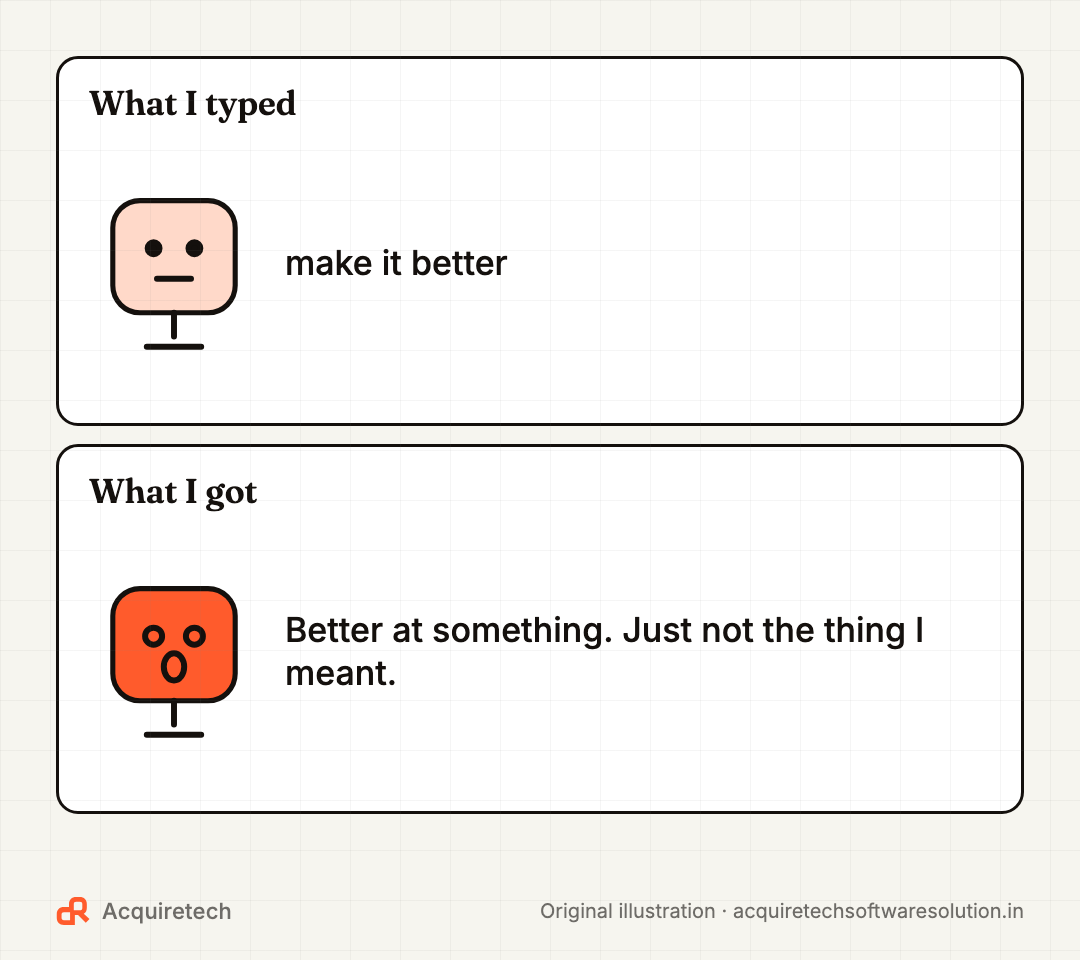
Specific feedback works far better than "make it better", which forces the AI to guess what "better" means.
Verify, and ask for sources
Chatbots can state wrong things confidently. Anthropic's guide to reducing hallucinations recommends three habits that work in any chatbot:
- Allow "I don't know". Add: "If you're not sure, say so instead of guessing."
- Ground it in your document. Paste the text and say: "Use only this document. Quote the lines you rely on."
- Make claims checkable. "For each fact, give a source I can open." Then actually open a couple.
Remember that a cited link is not proof the link says what the AI claims. For anything involving money, health, law, exams or your job, check the original.
Ask for structure you can reuse
If you will paste the result somewhere, say exactly where it is going:
Compare these three laptops for a BCA student on a budget.
Return a table with columns: Model, Price range, Battery, Weight,
Best for, One drawback. Then one line with your pick and why.
You can ask for a table, a checklist, CSV for a spreadsheet, or JSON if a developer will use it. Being specific about format is one of the easiest wins.
Templates by audience
Copy the starter, then fill in the brackets.
| Who | Task | Prompt starter |
|---|---|---|
| Student | Understand a topic | Explain [topic] like I'm in [class]. Use one everyday example, then quiz me with 3 questions. |
| Student | Exam revision | Here are my notes: [paste]. Make 10 flashcards. Mark anything my notes seem to get wrong. |
| Business owner | Customer reply | You're my support assistant. Reply to this review: [paste]. Polite, specific, under 80 words. |
| Business owner | Plan | I run a [business] in [city]. Suggest 5 low-cost ways to get repeat customers. Table: idea, effort, cost. |
| Job seeker | Tailor a CV | Here's my CV: [paste] and a job post: [paste]. List gaps, then rewrite 3 bullets to match. Don't invent experience. |
| Job seeker | Interview prep | Act as an interviewer for [role]. Ask one question at a time and give feedback on each answer. |
Notice the last line of the CV template: "Don't invent experience." Constraints like that are what keep AI help honest.
Two things to never paste
Prompts are not private diaries. Don't paste passwords, OTPs, Aadhaar or bank details, or a client's personal data into a consumer chatbot. If your business needs AI to work with customer data, that's a job for a properly configured tool, not a free chat window.
Frequently asked questions
What is the best prompt formula?
There isn't a single magic formula, but a reliable structure is role, context, task, format and constraints. Most good prompts include at least context, task and format.
Do longer prompts always give better answers?
No. Longer prompts help when the extra words add real context, examples or constraints. Padding with adjectives or repeated instructions does not help.
Do the same prompts work in ChatGPT, Gemini and Claude?
Mostly, yes. The official guides from OpenAI, Google and Anthropic recommend the same basics: clear instructions, context, examples and a specified format. Small differences show up, so test important prompts in the tool you actually use.
How do I stop AI from making things up?
Tell it that "I don't know" is acceptable, give it the source text to work from, ask it to quote or cite what it relies on, and verify important facts yourself. These reduce errors but never remove them completely.
Should students use AI for homework?
Use it to understand, practise and get feedback, not to submit work you didn't do. Check your school's or university's rules, because they differ, and some tools now ship with AI features off by default for students, as our Gemini for students explainer covers.
The bottom line
Good prompting is good briefing. Say who it's for, what you need, why you need it, and what the answer should look like. Then edit the draft, check the facts, and keep the prompts that work as your own templates.
Choosing a tool to practise on? Read our comparison of ChatGPT vs Gemini vs Claude and our list of free AI tools that genuinely save time. When you're ready to let AI take on multi-step work, start with what AI agents can and can't do. And if you want AI built into your business with your own data and proper safeguards, talk to us.
Sources and further reading
- Prompting best practices · Anthropic (Claude Platform Docs) · 2026-11-09
- Reduce hallucinations · Anthropic (Claude Platform Docs) · 2026-11-09
- Prompt engineering · OpenAI · 2026-11-09
- Prompt design strategies · Google AI Studio · 2026-11-09
- Writing Effective AI Prompts for Business · Google Workspace · 2026-11-09
Contact Acquiretech Software Solution: info@acquiretechsoftwaresolution.in · WhatsApp +91 80786 33912 · Send an enquiry